Virtual Staging AI for Empty Room Photos

Use virtual staging AI to explore furniture and decor in an empty-room photograph. Choose the intended use and visual style, describe the permanent features to preserve and review a furnished concept before sharing it.

Workbench view

Help viewers picture how an empty room could be used

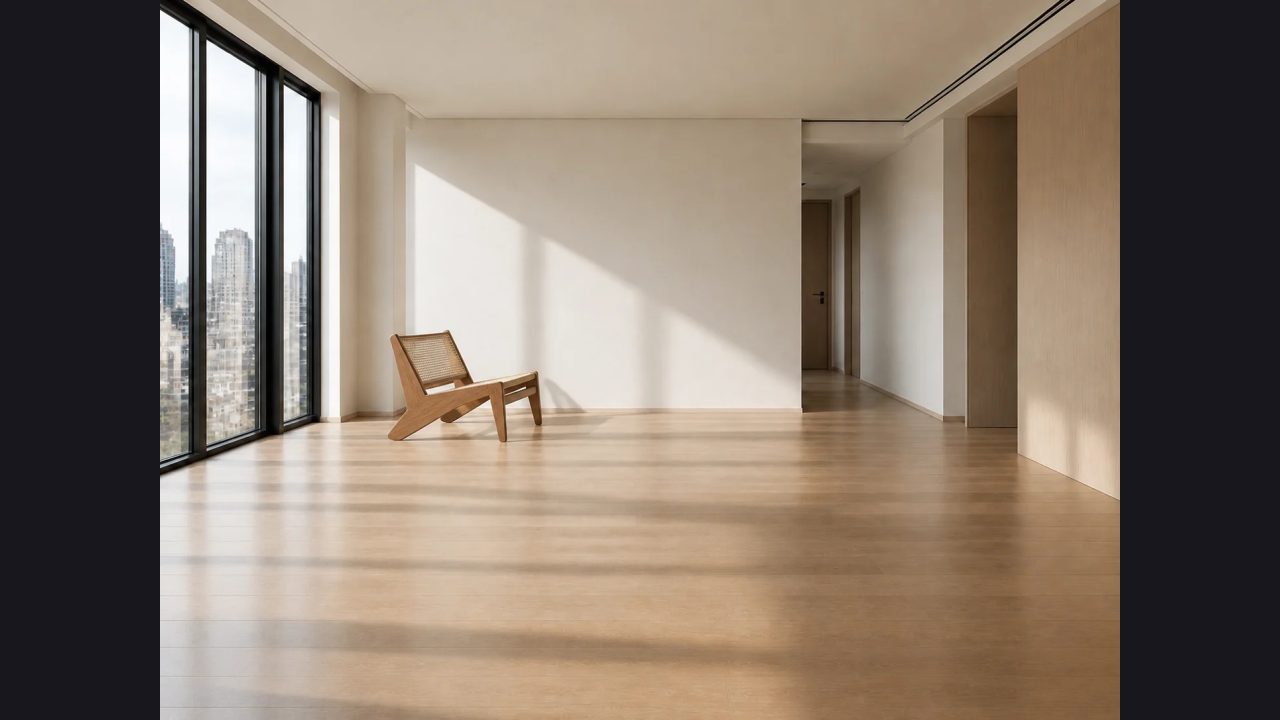
Virtual staging AI gives an empty space a possible use. Compare a furnished direction while keeping the original room photograph available so the proposed appearance remains clear.

Show a possible room use

Virtual staging AI can illustrate a living area, bedroom or work corner using your empty-room photo and a clear furniture brief.

Keep the original reference

Describe the permanent features in virtual staging AI instructions. Review the generated doors, windows and floor against the original room photograph.

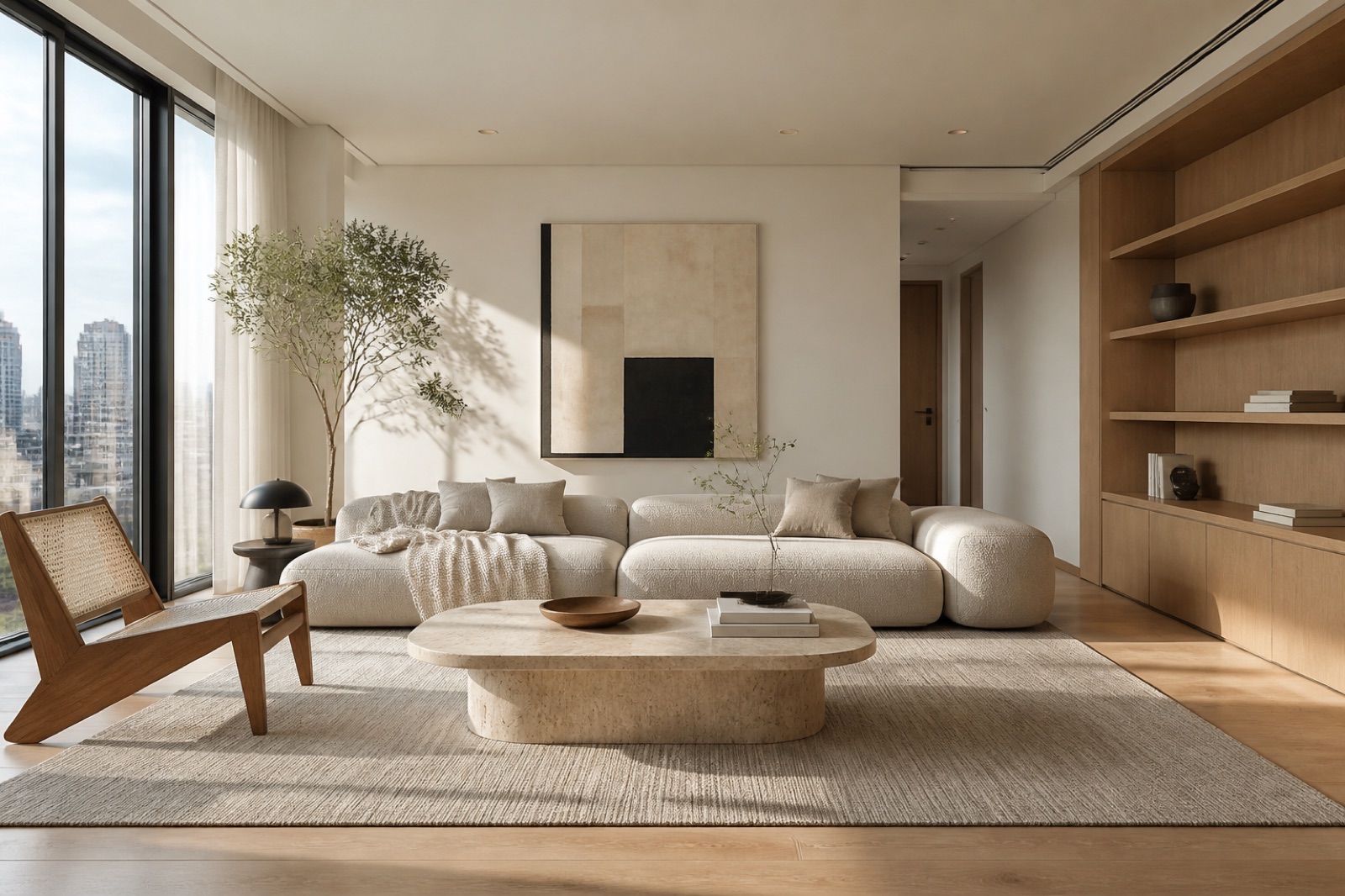
Contemporary living room with neutral seating and a coordinated furnishing palette

Compare a furnishing direction

Virtual staging AI can explore a restrained palette or another furniture mood. Change one priority to make the comparison easier to judge.

Share an identified concept

Download the virtual staging AI result and explain that the furniture is digitally generated. Keep the unstaged photograph alongside your chosen image.

Stage the furniture without losing sight of the property

Contemporary living room with neutral seating and a coordinated furnishing palette

Give virtual staging AI a clear empty-room photo

Photograph the room with the main walls, floor and openings visible. Virtual staging AI uses those relationships to explore furniture placement; a heavily cropped image provides less context about the actual space.

Start designing
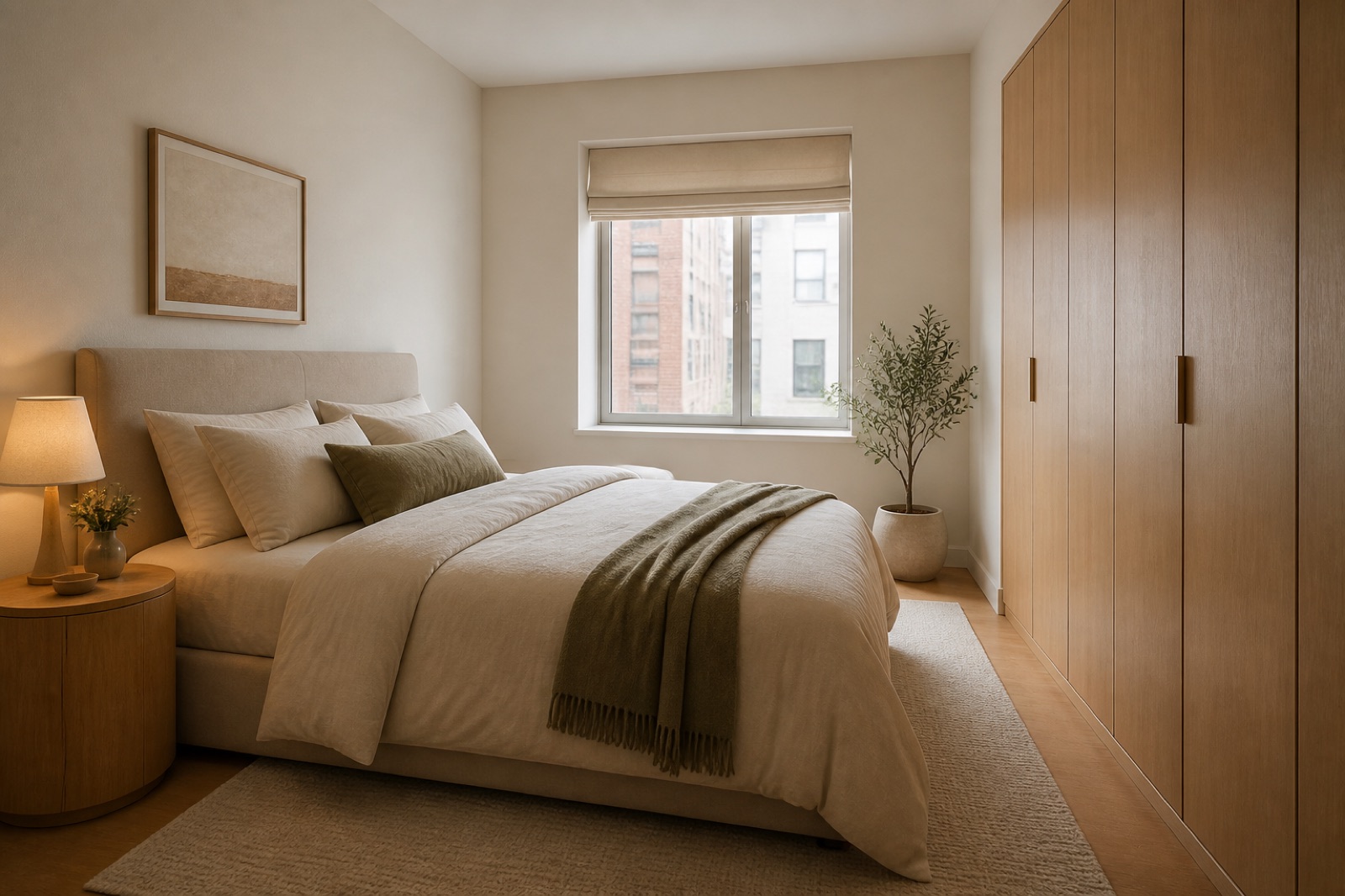
Bedroom concept with coordinated furniture and bedding

Set a purpose before choosing a furniture style

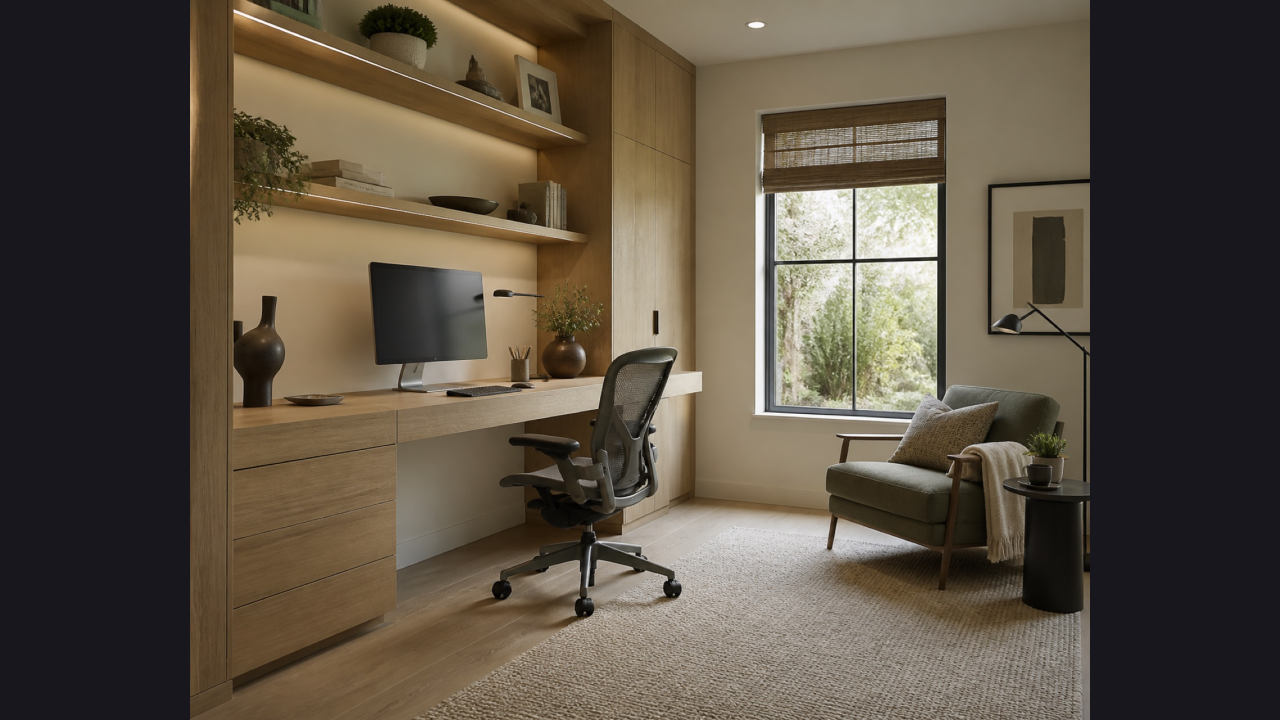
Decide how the room should be used, such as conversation, sleeping or focused work. Virtual staging AI becomes easier to evaluate when each large furniture piece serves the use you described.

Start designing
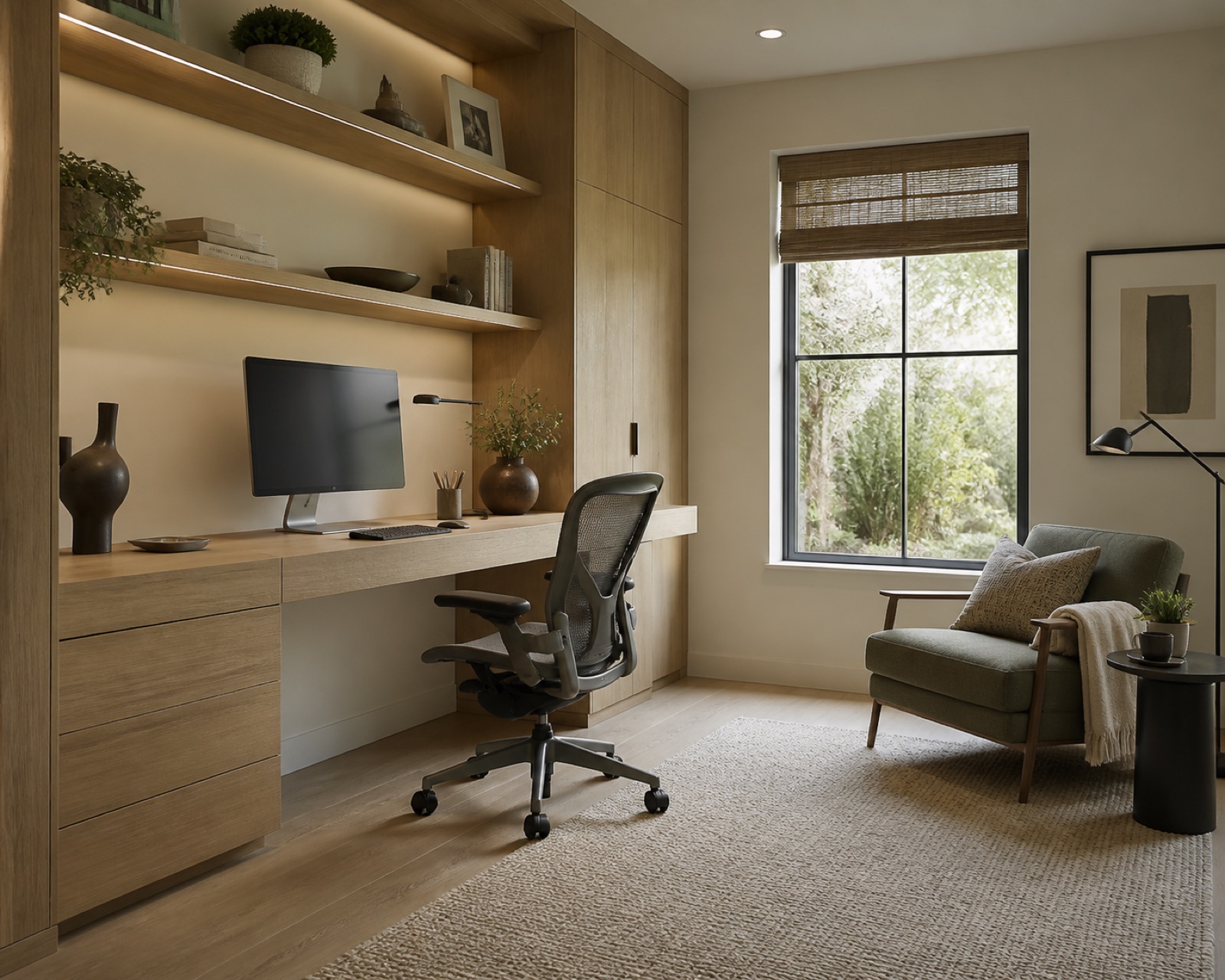
Home office concept with a desk and organized storage

Tell virtual staging AI what must remain visible

Name the windows, doors, floor and permanent fittings to preserve. Virtual staging AI can still reinterpret details, so reject unwanted structural changes instead of treating them as part of the original property.

Start designing
Contemporary living room with neutral seating and a coordinated furnishing palette

Keep the virtual staging AI palette restrained

Begin with a small set of furniture and a coordinated material direction. Virtual staging AI can add visual layers, so specify fewer accessories when you want the room shape and circulation to remain legible.

Start designing
Contemporary living room with neutral seating and a coordinated furnishing palette

Refine a furnished concept with one clear change

Use a completed image as a new draft and request a focused furniture or color change. Virtual staging AI creates another concept for comparison; inspect retained openings and the original floor again.

Start designing
Bedroom concept with coordinated furniture and bedding

Keep the staged concept separate from the property

Save the original room and generated result together. Explain which furniture is conceptual when sharing virtual staging AI images, and check the relevant publication requirements before using a result in a listing.

Start designing

Where a staged concept adds useful context

Contemporary living room with neutral seating and a coordinated furnishing palette

Make an open area easier to interpret

A property team with an empty living room photo can request a compact seating group and restrained accessories. The resulting image can illustrate an intended use of the room, provided the team checks permanent features and clearly distinguishes the proposal from the actual condition.

Create a staged concept from an empty room photo

Start designing

Upload the original view

Upload an empty-room photo for virtual staging AI, showing the floor, walls, windows and doors that define the existing space.

Set the furnishing brief

Choose the room use and style, then give virtual staging AI a concise furniture brief and the permanent features to retain.

Review before sharing

Check credits, generate the virtual staging AI concept and review the original room features before downloading a clearly identified image.

Use virtual staging AI for a furnishing direction; choose AI furniture mockup for a specific piece, or Room Planner to check its footprint.

Questions before you begin

AI Interior Design logo

Start a virtual staging AI concept

Upload an empty-room photo and use virtual staging AI to explore a clear, deliberately furnished direction.

Start designing