Match the Best AI Interior Design App to Your Output
The best AI interior design app depends on the decision in front of you. A room photograph can become a visual concept for discussing finishes and atmosphere. A measured layout helps you test furniture positions. A three-dimensional view lets you inspect that same geometry from different directions. Decide which result you need before comparing the length of a feature list.
For a finish refresh, the best AI interior design app should begin with the room you actually have. If you need to move a wall or check a table footprint, use an editable plan instead. An attractive generated perspective does not answer every layout question, and a precise-looking label inside an image is not evidence of a measured drawing.
Test the Best AI Interior Design App with Your Photo
Give each candidate the same clear photo and a short brief. Name three things that must remain, such as a window, floor and fireplace. The best AI interior design app for that brief should create a useful change while remaining connected to those features. Compare the result with the source before deciding which image is more appealing.
Then test a realistic revision. Keep the room direction stable and ask for a different sofa color or quieter cabinet finish. This helps you choose the best AI interior design app for ongoing work, rather than judging only a first showcase image. Note any opening, furniture detail or surface that changed when it was supposed to stay.
Check the Best AI Interior Design App for Useful Control
Useful controls should express the decision you want to make. A room tool can separate room type, style and lighting from the written requirements. A furniture mockup should distinguish the room photo from the product reference. The best AI interior design app for a specific piece should let you explain both its placement and the details worth preserving.
Try one awkward requirement rather than only a generic modern-room request. Keep an existing chair, work around a narrow doorway or preserve the guest bed in an office. When comparing the best AI interior design app candidates, record a concrete observation: the doorway stayed, the chair changed, or the suggested storage blocked a route you need.
Compare the Best AI Interior Design App with Layout Tools
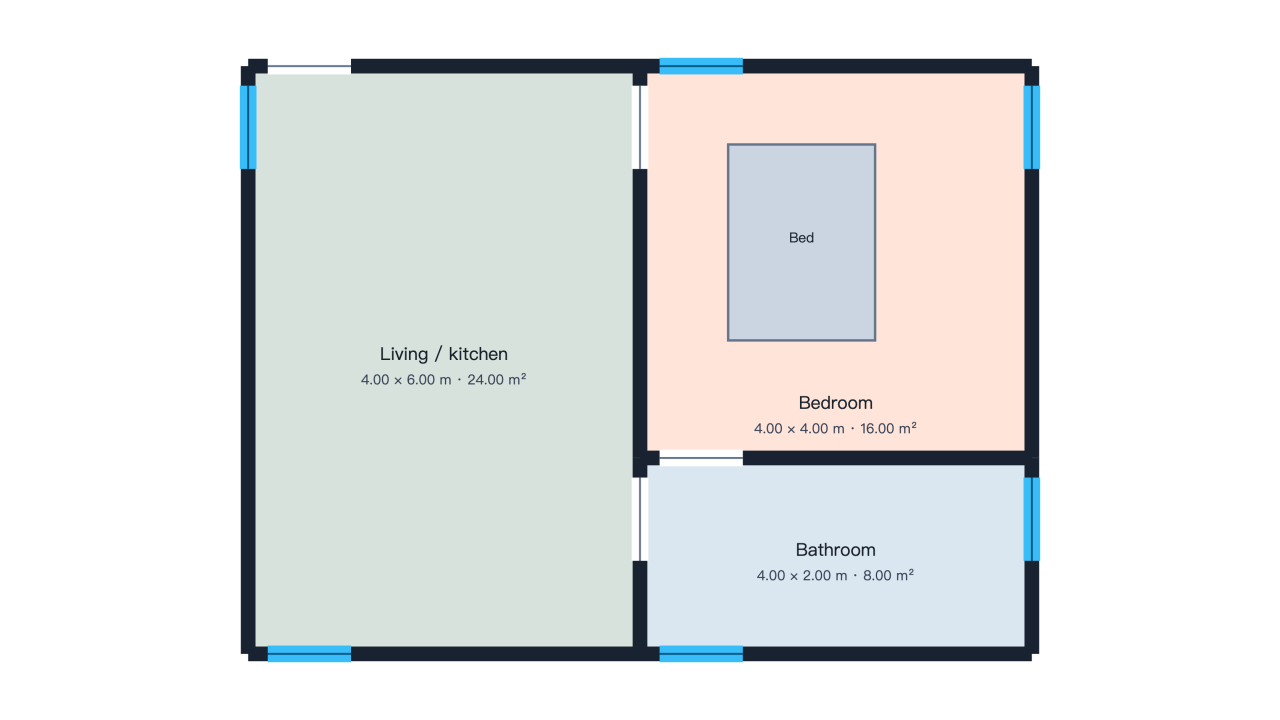
The best AI interior design app for furniture fit may be a room planner with direct geometry controls. Draw a simple rectangle, enter a known dimension, add a doorway and position a table. Save the project and reopen it. Check whether the dimensions and object positions survive the revision rather than treating a screenshot as proof of editability.
Our room planner works with editable walls, openings and furniture, while the 3D floor-plan view inspects the same entered geometry. Photo redesign creates a separate visual concept. Keep those deliverables distinct when looking for the best AI for interior design: an image can explain a mood, but a saved layout is the better artifact for revising room relationships.
Assess the Best AI Interior Design App Beyond the First Image
Check what you can actually finish before comparing value. Does the workflow accept your input, produce the expected result, let you revise it and provide a usable download? The best AI interior design app for your project should reach that finish line. Account access, included credits, generation cost and supported exports matter when a first preview becomes repeated work.
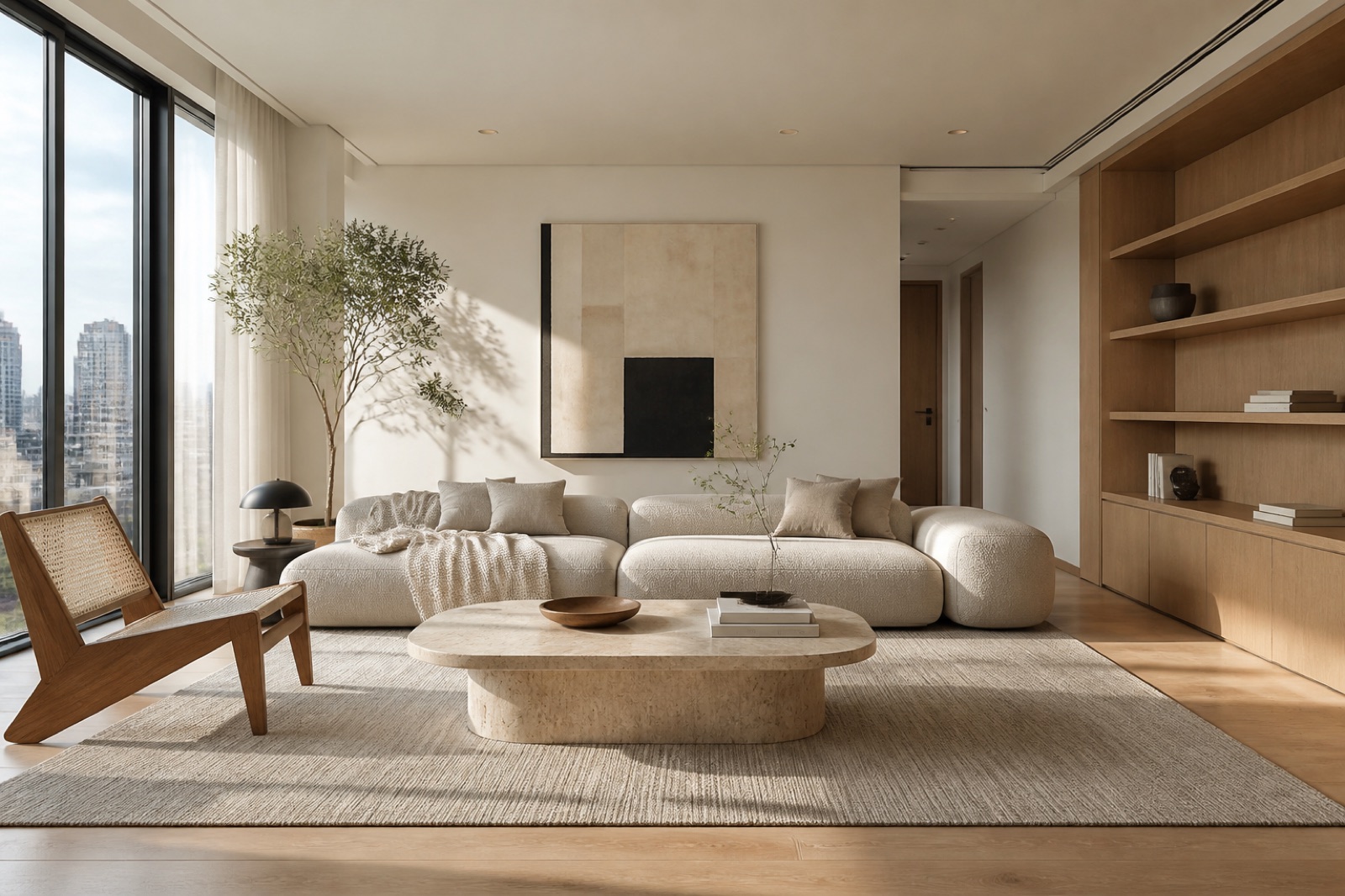
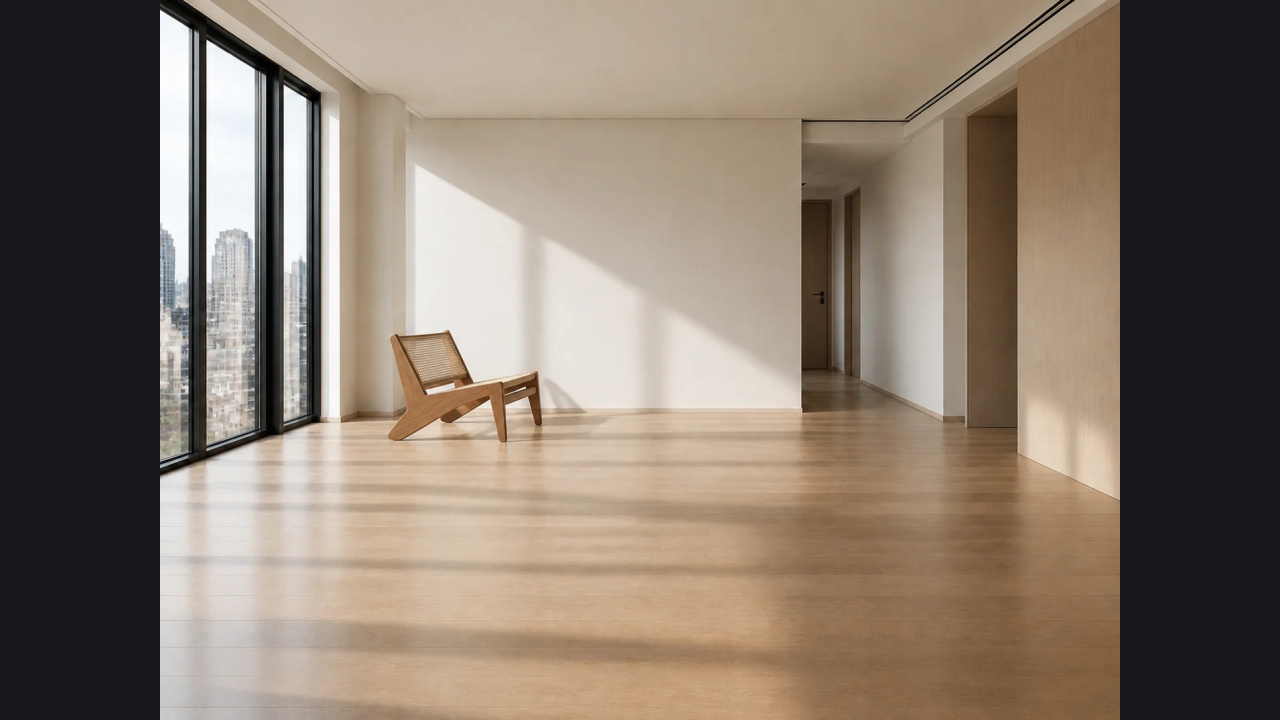
For realistic room-furnishing images, start with a clear brief and choose an image generator that accepts the references your task needs. An empty-room staging task, a specific sofa mockup and a general room makeover require different references. Compare architecture, furniture proportions and revision behavior. Do not infer unlimited free generation, exact product identity or a native mobile application merely from an attractive example.
Choose the Best AI Interior Design App for Your Project
Keep a small comparison sheet with the input, requested change, resulting artifact and one remaining concern. The best AI interior design app is the one that supports your next decision with the least unnecessary work. A sentence such as “useful cabinet palette, but the window moved” tells a designer more than an unexplained numerical score or a folder of unrelated pictures.
Choose one direction, save the original reference and explain why you prefer the result. When a concept becomes a purchasing or renovation brief, add actual dimensions, samples and product specifications. This keeps the best AI interior design app comparison connected to an outcome you can use: a clearer conversation, an editable arrangement or a visual direction worth developing further. Keep that artifact connected to the original brief so later revisions remain useful.