Renovate AI: Picture Your Room After a Refresh

Explore AI renovation design from an existing room photo. Compare finishes, cabinetry, and lighting before choosing a direction to discuss with your contractor.

Workbench view

See the direction of a refresh before choosing finishes

A renovation can involve dozens of connected decisions.

Work with existing character

Old flooring, a fireplace, or distinctive windows can be the starting point of the refresh.

Compare finish combinations

Test the visual relationship between wall color, cabinet tone, metal finishes, and textiles.

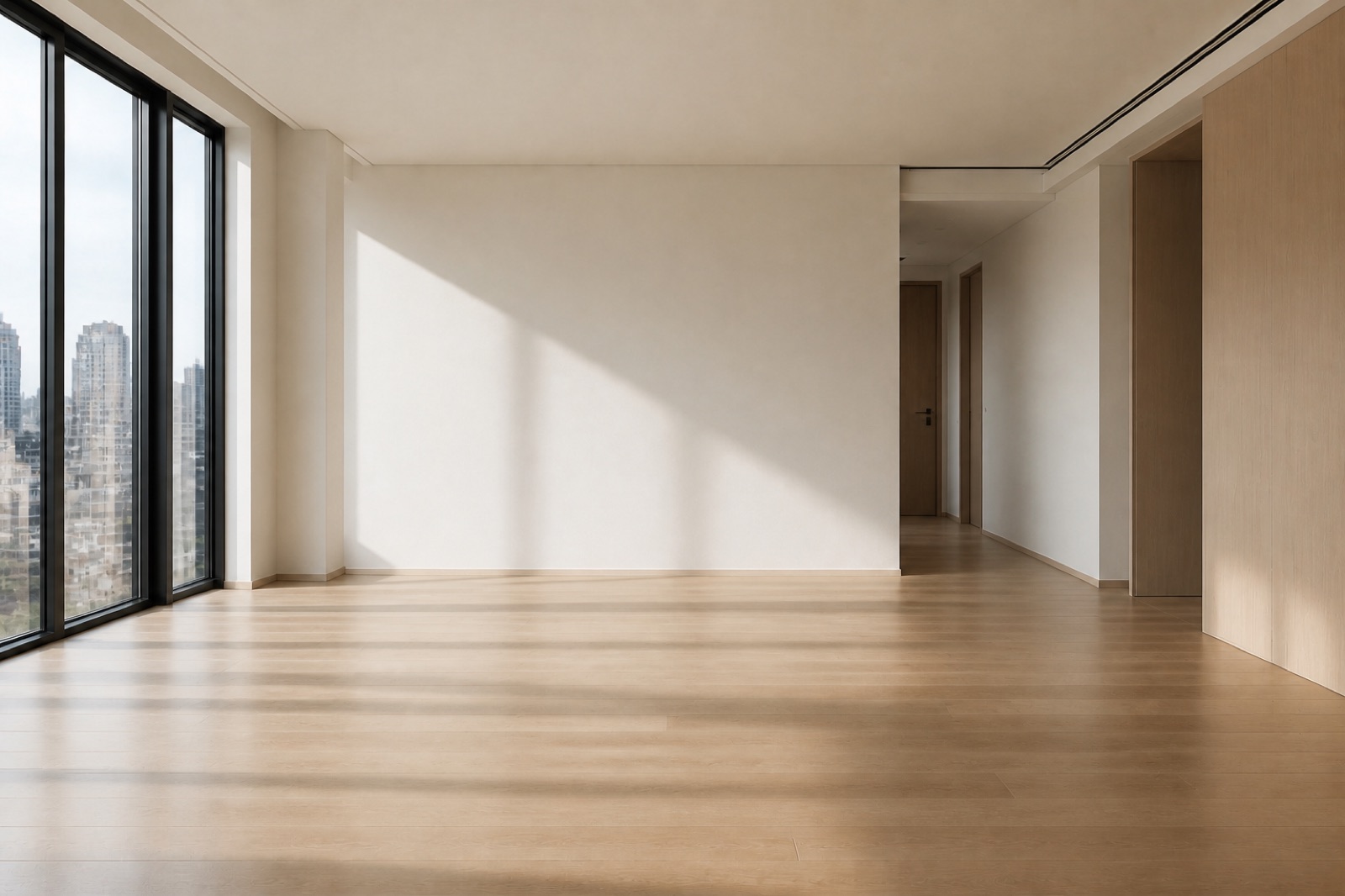
Existing living room shown as a reference for a design concept

Separate a refresh from a larger project

A visual study can help you compare the appeal of new surfaces with a broader change in furnishings or storage.

Make a contractor conversation more specific

Bring a preferred concept together with notes about what stays and what changes.

Build your renovation concept around the visible room

Existing living room shown as a reference for a design concept

Include the entire finish group

A wall color needs to work with the floor, cabinetry, and larger fixtures. Capture neighboring surfaces in the same view. Avoid a close-up that isolates only the dated finish.

Start designing
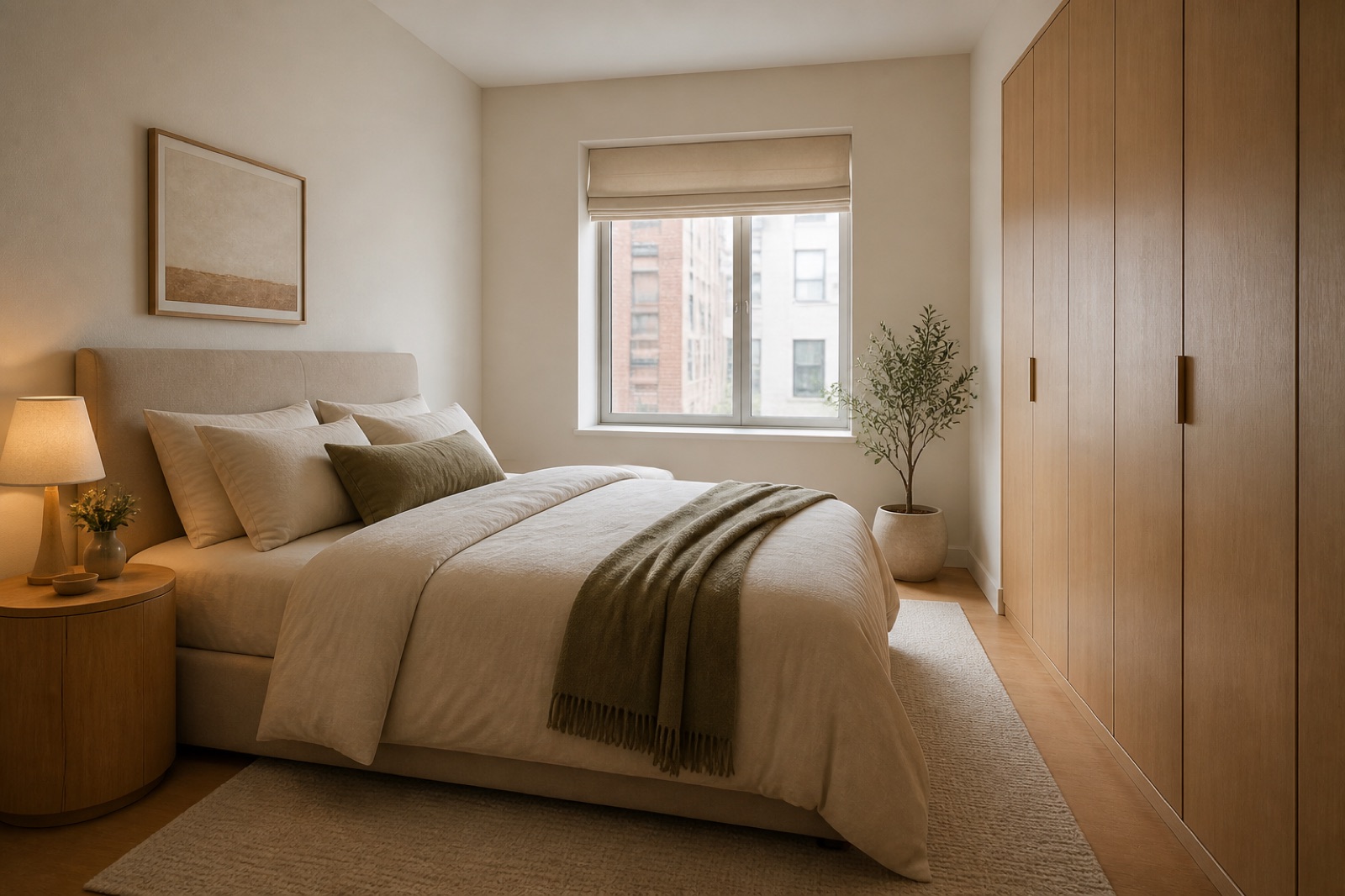
Bedroom concept with coordinated furniture and bedding

Name the retained features

Identify the elements that should anchor the renovation direction. Keep the fireplace, window positions, or existing flooring. Describe retained features before asking for new materials.

Start designing
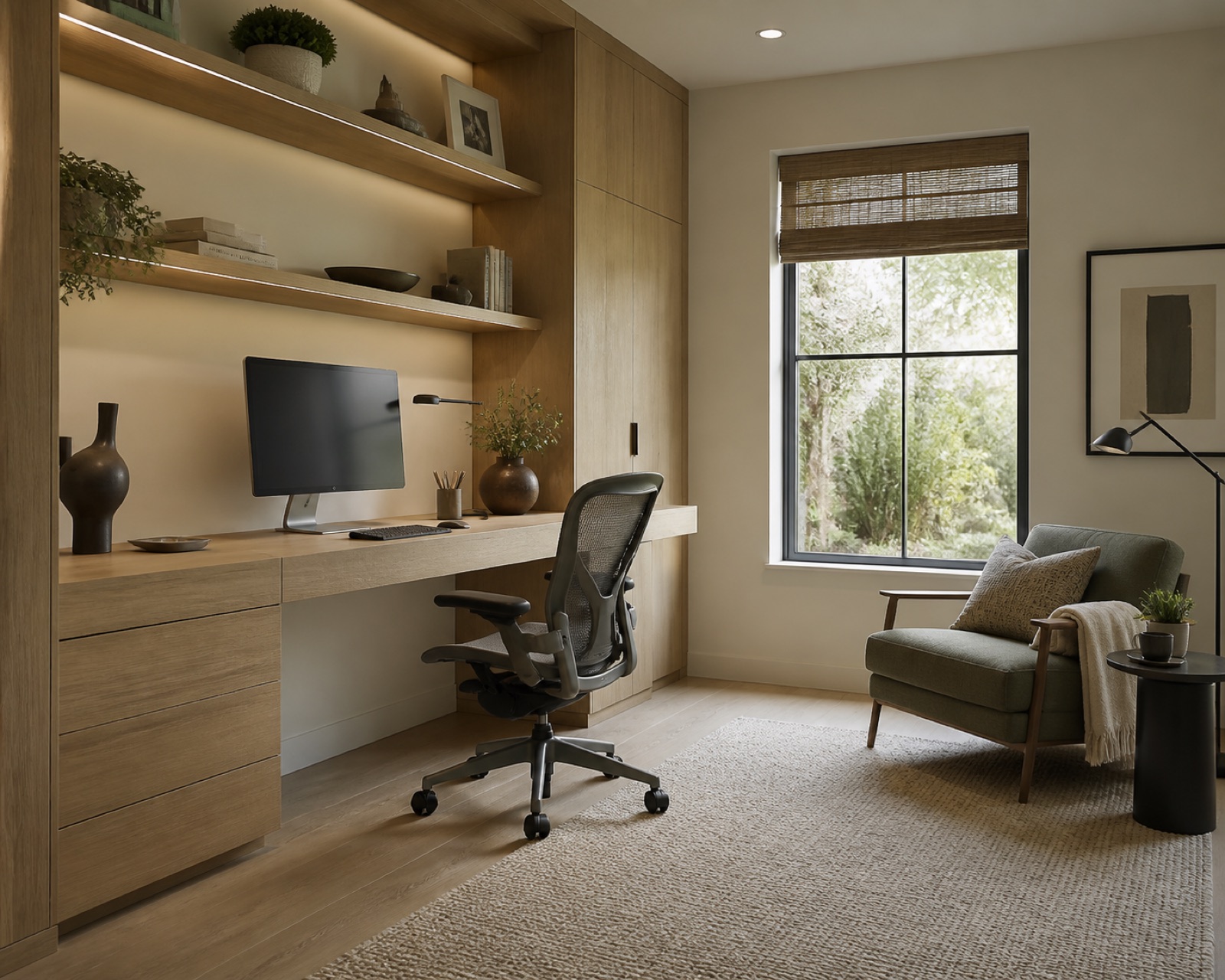
Home office concept with a desk and organized storage

Set the intended scope

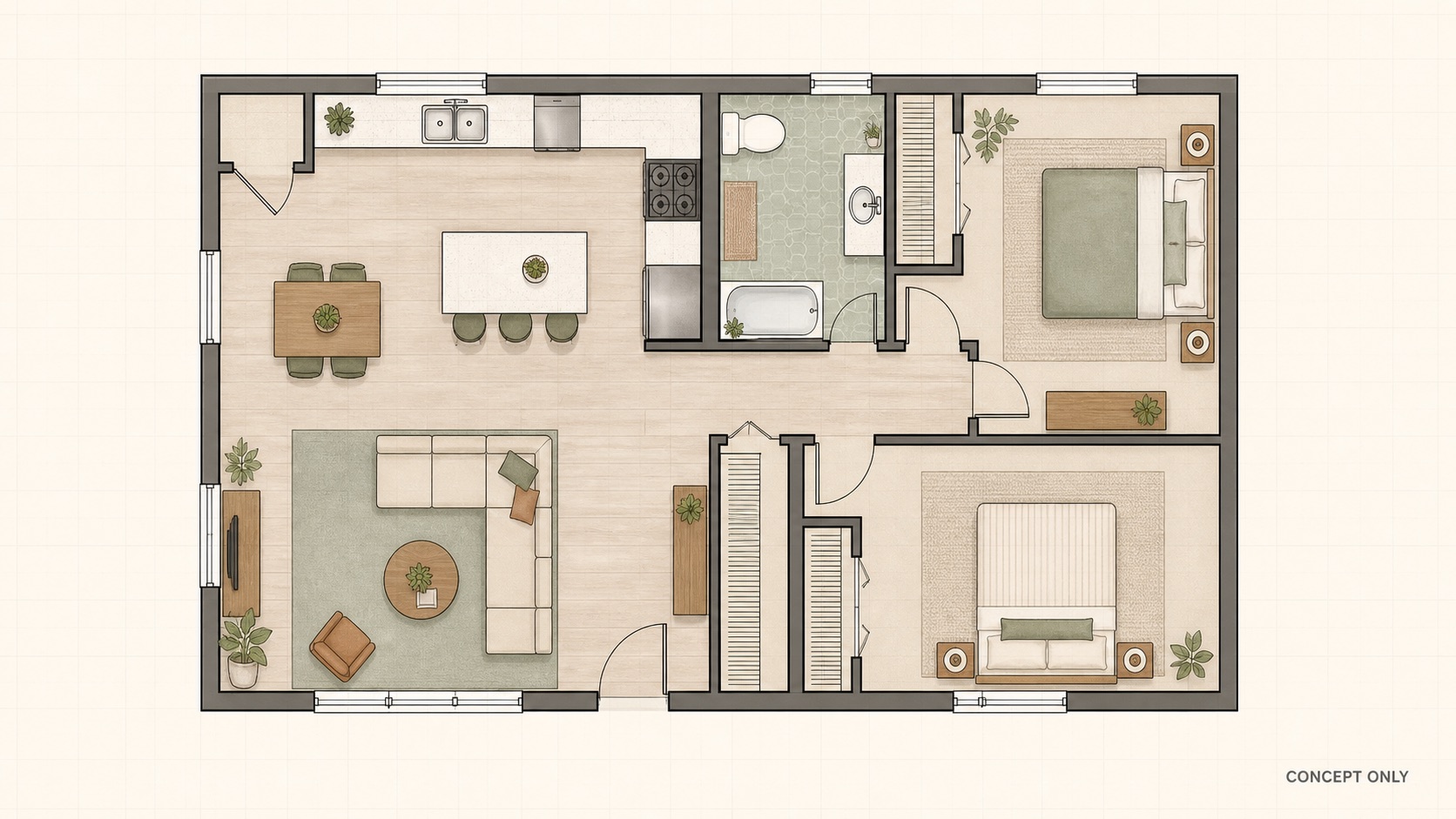
Explain whether you are studying a finish refresh or a broader visual change. List the surfaces you want to reconsider. Keep hidden construction questions separate from the image brief.

Start designing
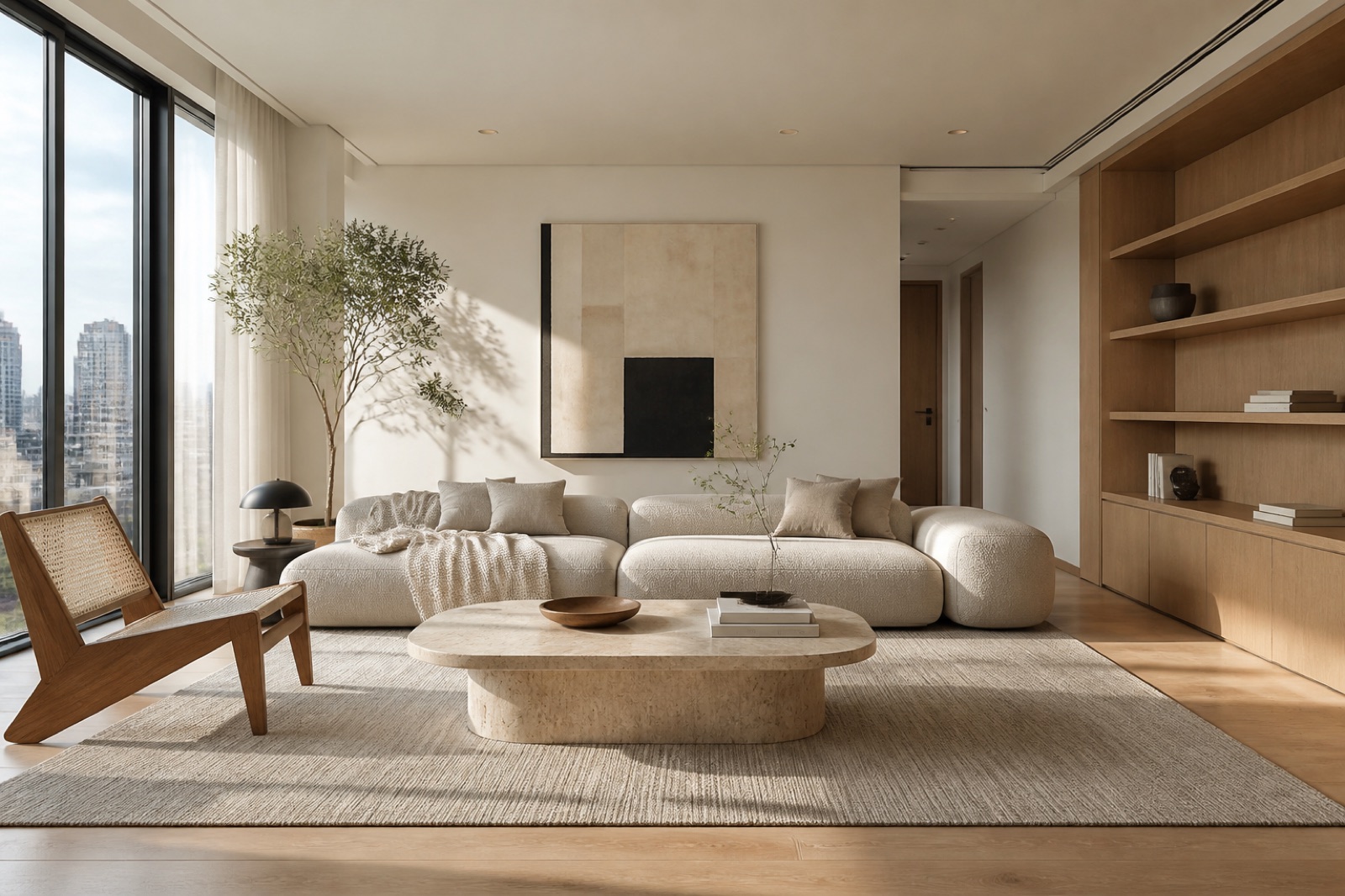
Contemporary living room with neutral seating and a coordinated furnishing palette

Lead with a cabinet tone

Cabinetry can establish a strong visual direction for the surrounding palette. Try muted wood against warm white walls. Keep handles and nearby surfaces quieter for the first concept.

Start designing
Contemporary living room with neutral seating and a coordinated furnishing palette

Resolve the storage appearance

Describe what feels cluttered and the visible storage direction you prefer. Explore closed units where open shelves feel busy. Keep frequently used equipment in the brief.

Start designing
Bedroom concept with coordinated furniture and bedding

Test a controlled alternative

Change one finish while keeping the same room photo and retained features. Compare two wall colors with the cabinetry unchanged. Use the same lighting setting when judging the palette.

Start designing

Renovation questions a concept can help clarify

Existing living room shown as a reference for a design concept

Refresh around a feature worth keeping

A homeowner with a dated living room may want to keep a stone fireplace but change the surrounding palette. Upload the room, identify the fireplace as a retained feature, and explore wall colors, lighter furniture, and a more restrained lighting direction.

Preview a renovation direction from your photo

Start designing

Photograph the room as it is

Upload a JPG, PNG, or WebP image up to 10 MB. Include the features that define the space and the surfaces you plan to change.

Describe the refresh

Choose a style and add retained features, desired finishes, and the main problem to solve. Select lighting, brightness, image format, and an available resolution.

Review and prepare the next brief

Compare the concept with the source, download a useful result, and record which finishes you prefer.

Questions before you begin

AI Interior Design logo

Start your refresh with a visible direction

Upload the room you want to update and explore the finishes, furnishings, and atmosphere to carry into your renovation brief.

Start designing