Make Cabinets Look Realistic from Your Sketch

Make cabinets look realistic before choosing finishes. Upload a clear cabinet or room sketch, describe the surfaces and lighting, and compare a rendered concept with the original drawing before developing the design further.

Workbench view

How to Make Cabinets Look Realistic

Make cabinets look realistic

Upload a readable cabinet sketch

Show the cabinet fronts, surrounding walls and useful openings. A clear viewpoint helps the render interpret the arrangement you want to develop.

Describe the finish and lighting

Choose materials and light that make cabinets look realistic in the room. Add the hardware, edge treatment and existing features you want to preserve.

Compare the drawing and render

Review panel divisions, handles and shadows before saving. Make cabinets look realistic through one focused revision rather than changing every design choice at once.

Make Cabinets Look Realistic with Materials and Light

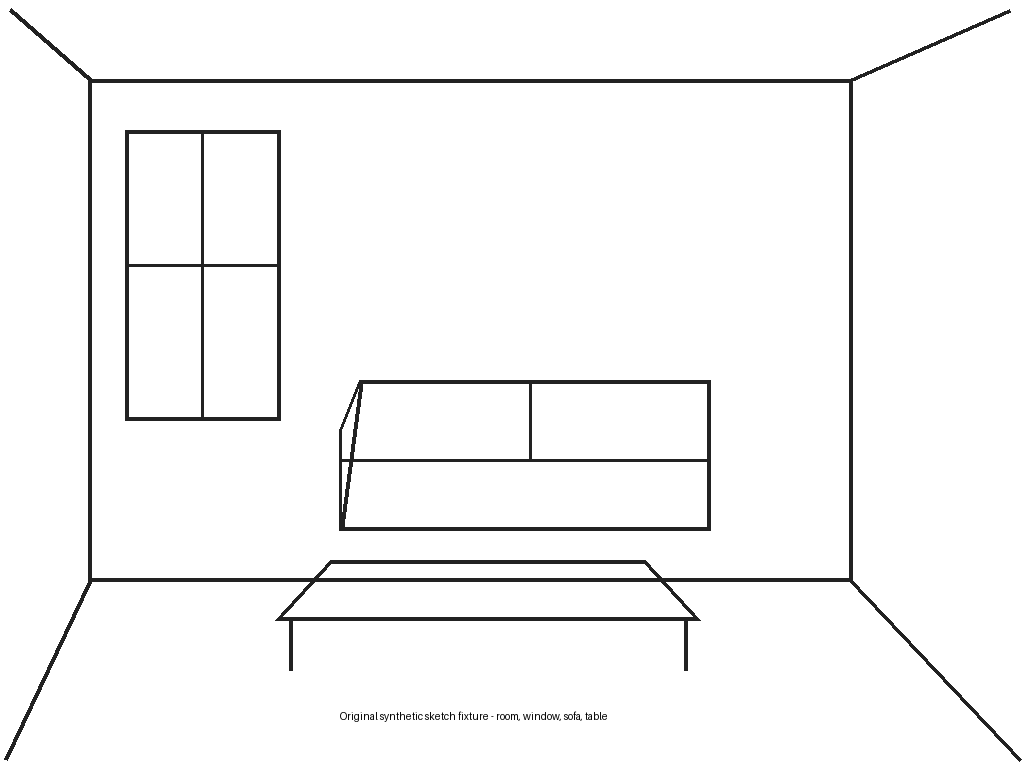
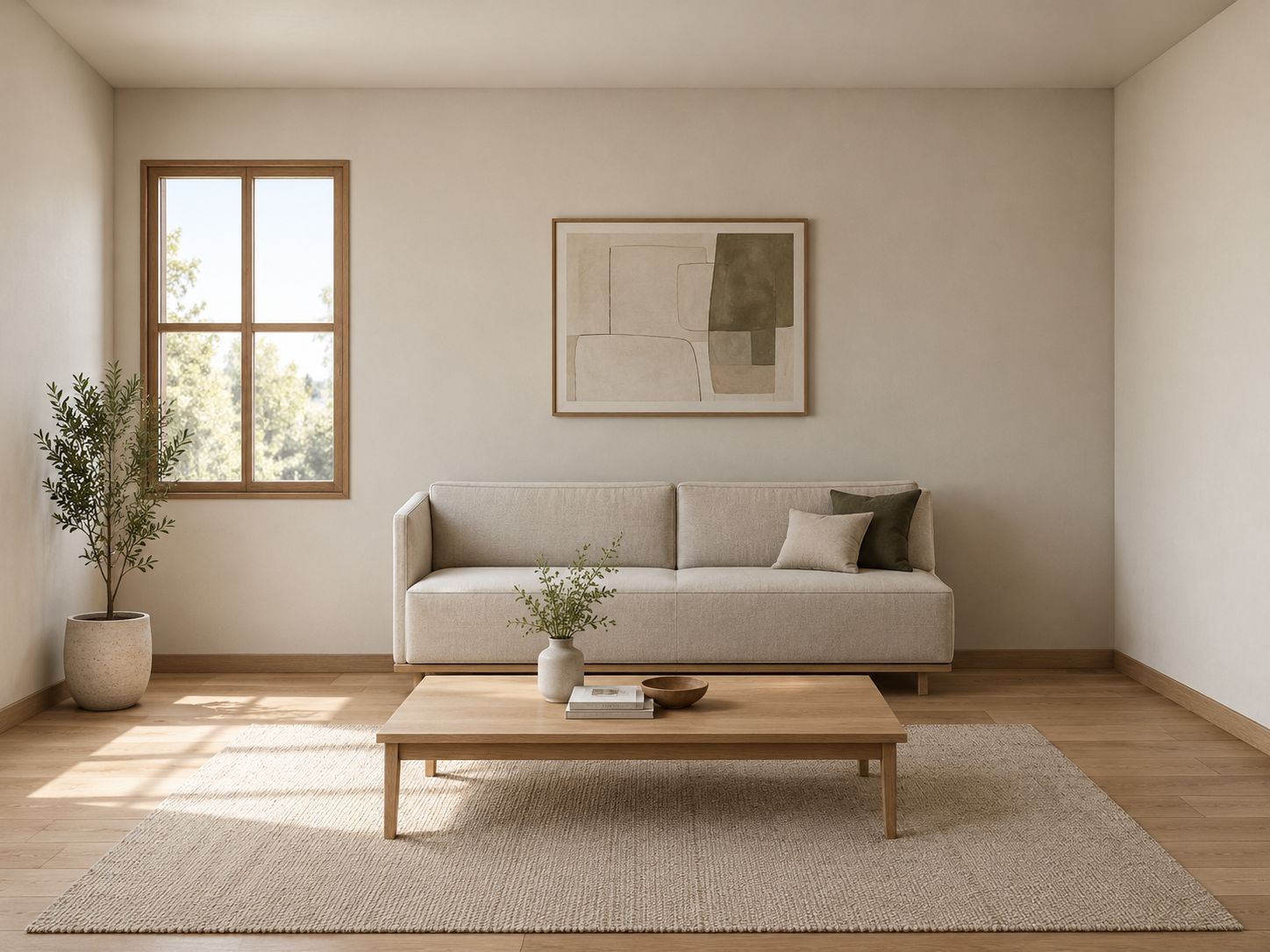
Original room sketch used for the recorded rendering example

Give surfaces a believable material direction

Make cabinets look realistic by describing wood grain, paint sheen and the relationship between fronts and the surrounding room. Compare a restrained finish palette before adding more details, keeping the sketch geometry recognizable.

Render my cabinet sketch
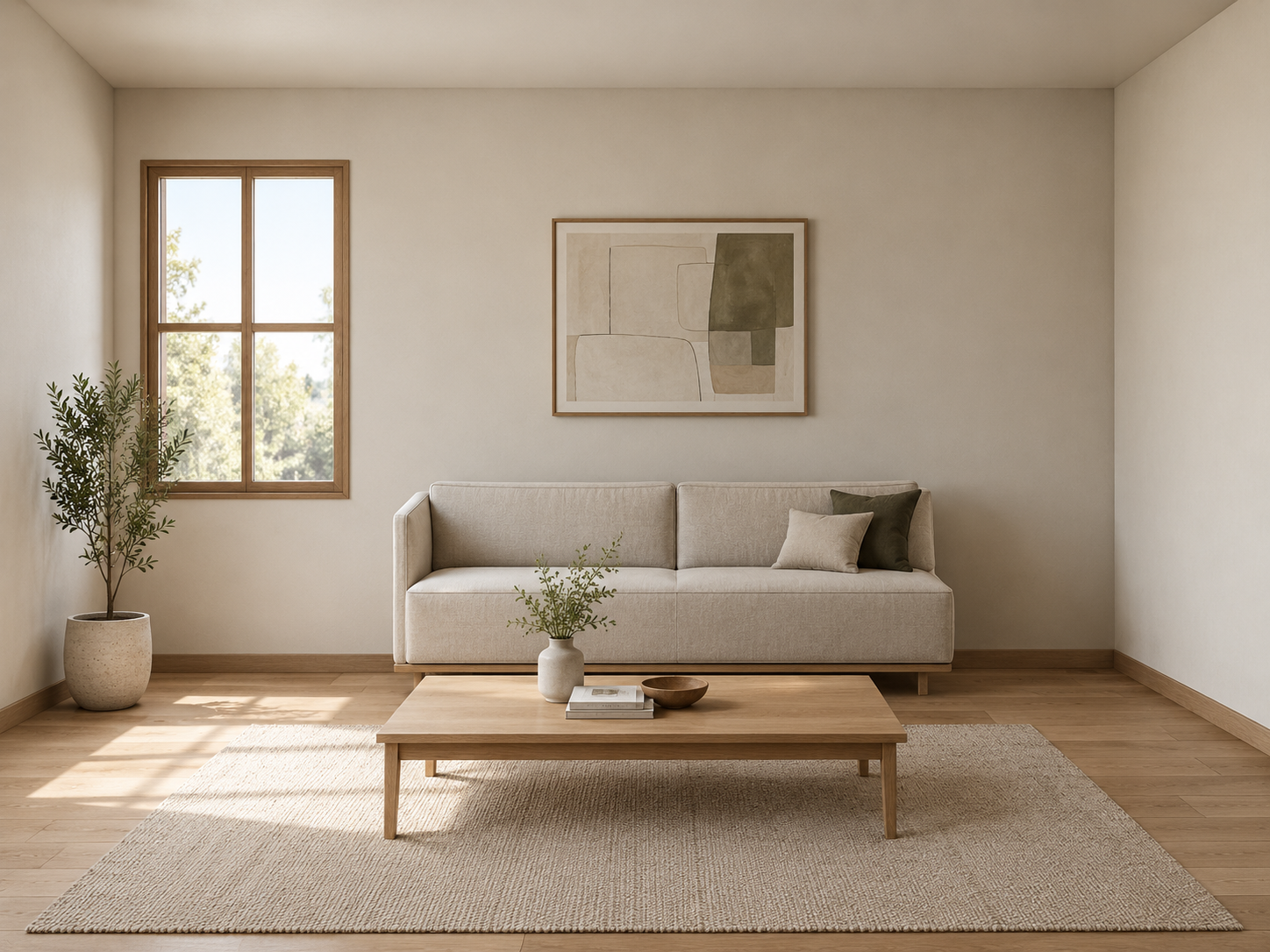
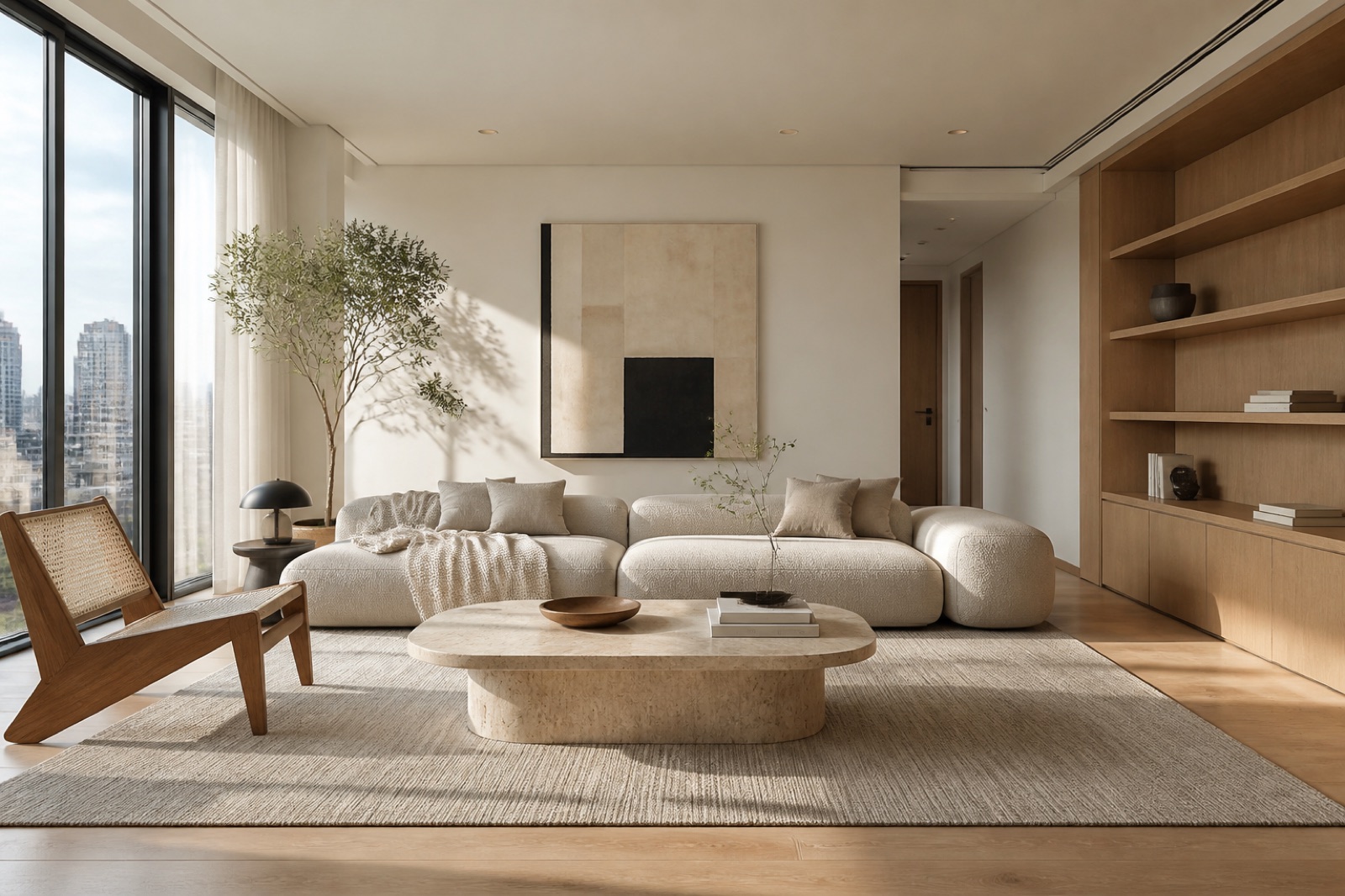
Actual oak and linen living-room render from the room sketch

Judge lighting around edges and openings

Soft studio light reveals panel divisions; daylight shows how finishes relate to nearby surfaces. To make cabinets look realistic, describe the light direction and review contact shadows, handles and door edges against the source drawing.

Render my cabinet sketch

Decide Which Cabinet Details Matter

Compare a finish before ordering

Make cabinets look realistic in a concept before selecting physical samples, so your conversation can focus on the finish relationships you actually prefer.

Explain the details you mean

Use the rendered view to make cabinets look realistic through clearer material, handle and edge choices rather than relying on a vague style label.

Actual oak and linen living-room render from the room sketch

Keep the source design in view

Make cabinets look realistic around a legible reference, then flag any door, opening or proportion that drifted from the drawing before judging the overall appearance.

Refine one decision at a time

Change the material or lighting separately to make cabinets look realistic without losing track of the detail responsible for the improvement.

To make cabinets look realistic in context, explore finishes with kitchen interior design AI or develop the wider room with AI remodel.

Cabinet Rendering: Questions Before You Start

Logo

Make Cabinets Look Realistic from Your Drawing

Start with a readable cabinet sketch, a material direction and the lighting you want to explore, then compare the result with your original design.

Make cabinets look realistic