Prompt
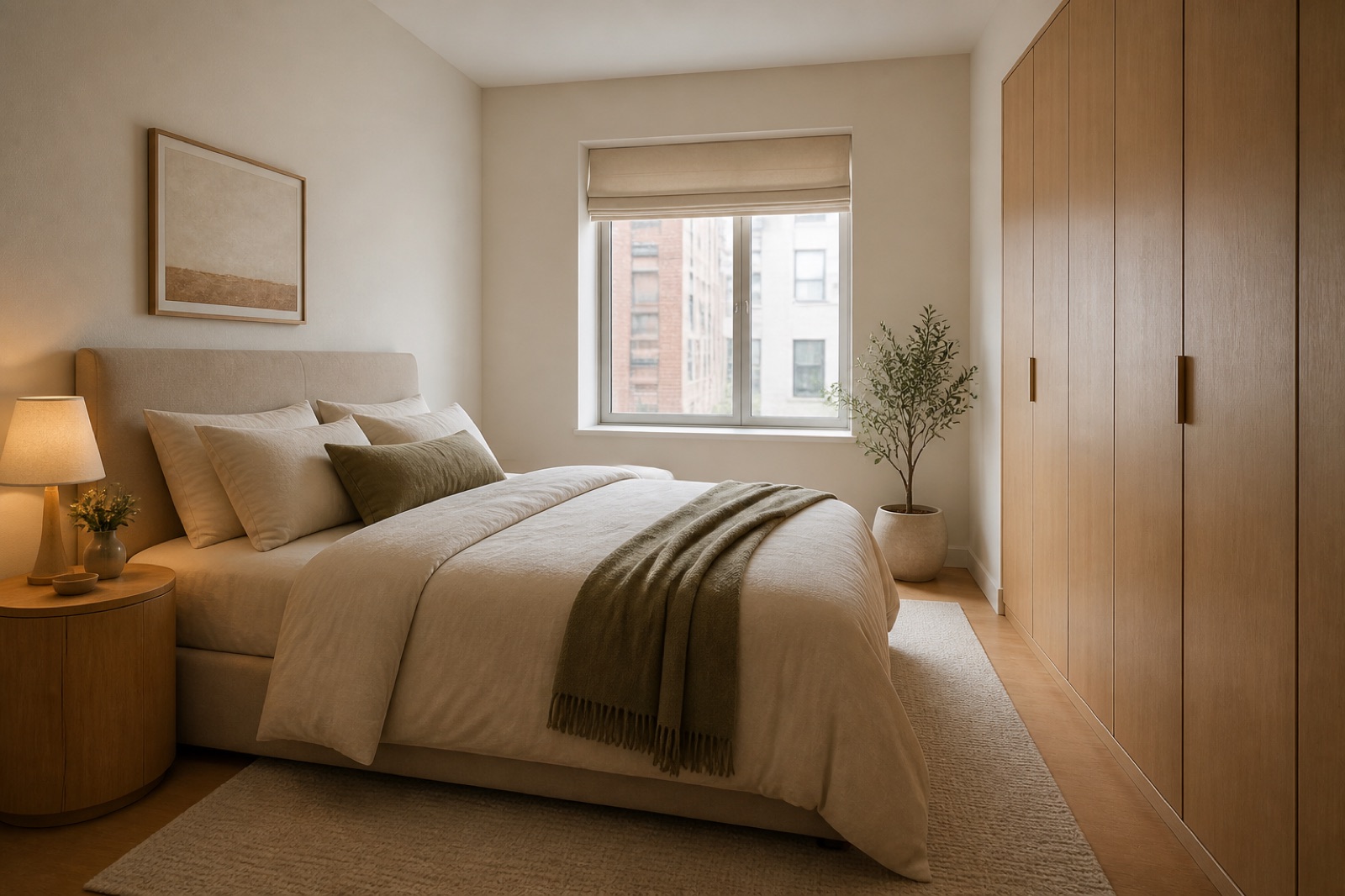
Template 1 of 3Redesign this bedroom while preserving the visible envelope, fixed openings, camera position, and realistic scale. Use a calm contemporary direction with balanced materials, practical storage, and uncluttered circulation.
Explore a bedroom that feels more settled at the beginning and end of the day. Use a photo to rethink the bed wall, clothing storage, bedside furniture and lighting around your actual routines.
Show the room clearly, including the doors, windows and fixed features that should guide the concept.
Choose a style and lighting mood. Add the details you want to keep or change.
Review the credit cost, generate your concept and download a useful result.
Use this bedroom design generator to explore a direction around your source image and these priorities. Focus on bedside clearance and symmetry, wardrobe and personal storage, restful light and privacy.
A bedroom is experienced at close range: getting out of bed, reaching a lamp and opening a drawer all matter.
Clothing storage often occupies the largest uninterrupted wall.
Reading, dressing and winding down call for different kinds of light.
When the floor area is limited, a restrained palette can let fabric, timber grain and a single painted wall provide variety.
State the mattress size and who uses each side. If the room is narrow, ask for visually lighter bedside furniture rather than copying an oversized suite. A balanced image is useful, but the real walking space still needs a tape measure.
Create my design conceptDecide whether its doors should blend into the background or become a feature with texture and color. Mention hanging clothes, folded items and any shared storage problem separately.
Create my design conceptExplore a soft ambient mood, then inspect whether the mirror and bedside areas remain visually useful. Describe blackout curtains or privacy needs in the brief if they matter.
Create my design conceptA couple likes their existing bed but finds the room cluttered and difficult to unwind in. Their starting photo shows the bed, a freestanding wardrobe and mismatched bedside tables.
Keep one main direction per attempt so you can understand which change influenced the result. Inspect the completed concept against your original brief. Download a useful result, or change one requirement and generate another option for comparison.
Save notes on the finishes, furniture relationships and atmosphere you want to keep. Bring those notes, the concept and your actual measurements to the person helping you specify or implement the project.
A full wall of attractive joinery may look calm while omitting the drawers or long hanging space your morning routine actually needs.
A generated image can suggest the appearance of those layers; it cannot demonstrate nighttime light leakage or confirm a fixture’s performance.
Compare an upholstered bed against a simpler timber frame while keeping the rest of the brief stable. Look at how the headboard relates to the window and wardrobe, rather than evaluating it as an isolated piece of furniture.
A useful brief keeps the bed, adds visually consistent storage and asks for a softer lamp-lit mood. The resulting concept helps them decide whether cabinetry, curtains or smaller furniture would make the most meaningful first change.
Shoot from the doorway at bed height and include the bed wall, wardrobe, windows, and the narrowest circulation point.
Upload a JPG, PNG or WebP image up to 10 MB. Use a level photograph with readable detail; heavy filters and extreme wide-angle distortion can make the reference harder to interpret.
State your bed size, storage shortfall, preferred level of visual calm, and whether blackout treatments or a reading corner matter. Replace the example details below with the facts of your own space.
Example brief: Create a calm Scandinavian bedroom concept from this photo. Keep the bed on the current wall and preserve the visible window and entry. Use warm off-white walls, pale timber and muted blue textiles. Suggest compact bedside tables, readable bedside lighting and closed clothing storage.
Keep the floor beside the bed visually clear and include a simple dressing mirror without adding a separate lounge area.
Check the selected room type, choose a design style and set the lighting mood. Add your priorities in Custom Requirements, including retained furniture and fixed elements.
Choose from the available aspect ratios and output resolutions, then review the displayed credit cost before generating.
The concept cannot confirm furniture clearances or electrical safety; measure the bed, wardrobes, outlets, and door swings before purchasing.
Yes. Show the narrowest part of the room and explain what has to fit, including bed size and wardrobe access. Compare furniture proportions and visual clutter in the concept. Do not assume a generated bedside gap or wardrobe door will work: measure the real furniture and check opening space before ordering anything.
The reference and your requirements guide the design, but exact preservation is not guaranteed. Check windows, doors, fixed features and retained furniture against the original. If something important changes, revise the brief or take another reference photo before developing that option.
You receive a generated design image that you can review and download. It is a visual reference for your project, not an editable CAD drawing, an exact shopping list or a measured specification. Use completed results to develop and communicate your preferred direction.
No. Page imagery illustrates a possible design direction. Your result is generated from your own photo and requirements, so the pictured furniture and finishes are not a guaranteed outcome.

Bring the existing space and a focused brief together. Explore a visual direction you can review, refine and discuss before making the next project decision.
Create my design concept