AI Furniture Mockup from Two Reference Photos

Create an AI furniture mockup from separate room and furniture photos. Choose where the sofa, chair, rug or light fixture should go, then compare a visual placement concept with the originals before checking real measurements.

Workbench view

How to use AI furniture mockup

Start with my project

Add the room and furniture

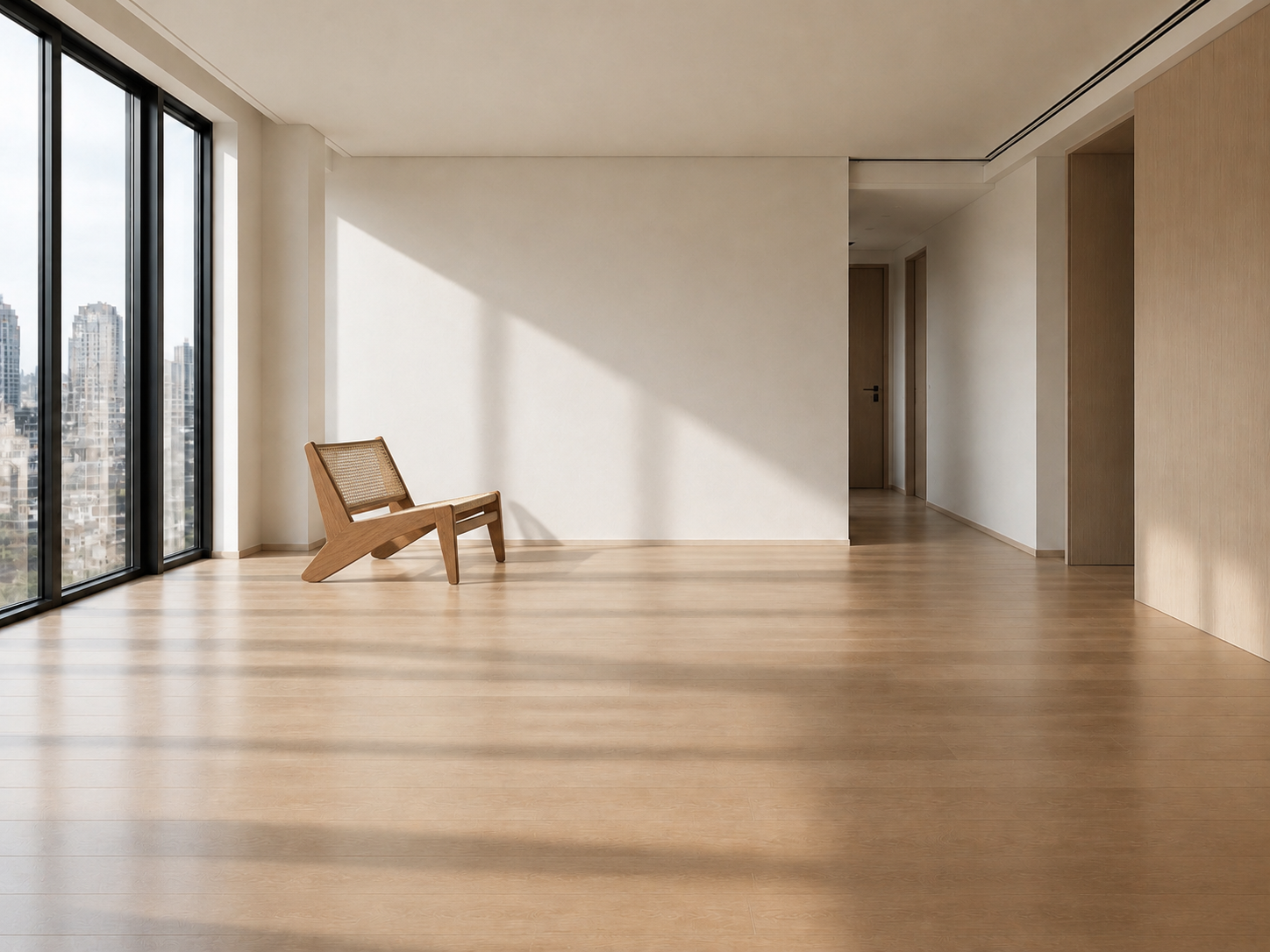
Upload your room photo in the first field and the chosen furniture reference in the second. Each image has a separate role in the preview.

Describe the intended placement

Choose whether to add or replace furniture, select a location and enter the approximate width. Identify the exact piece when a reference contains several objects.

Review the placement preview

Generate a concept, compare the item and room with both sources, and download the result. Check real measurements before making a purchase decision.

Explore your idea with AI furniture mockup

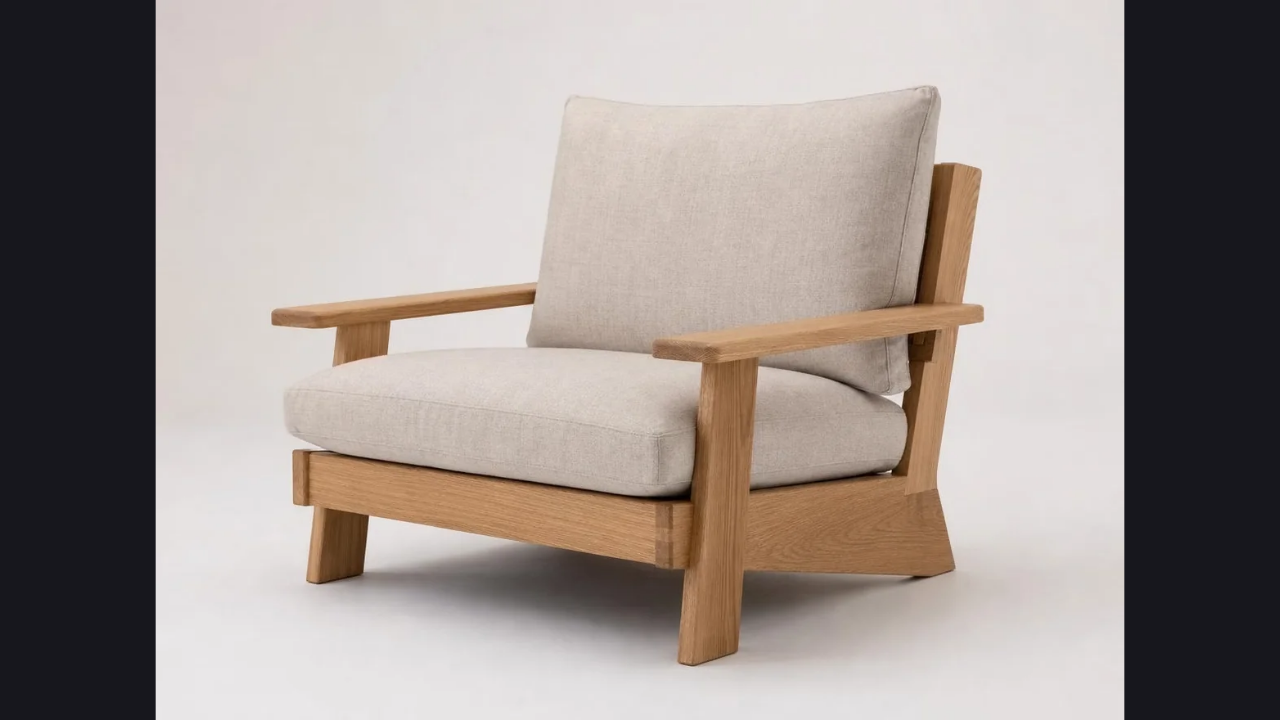
Furniture reference containing the cane chair selected for the placement example

Keep room and product references separate

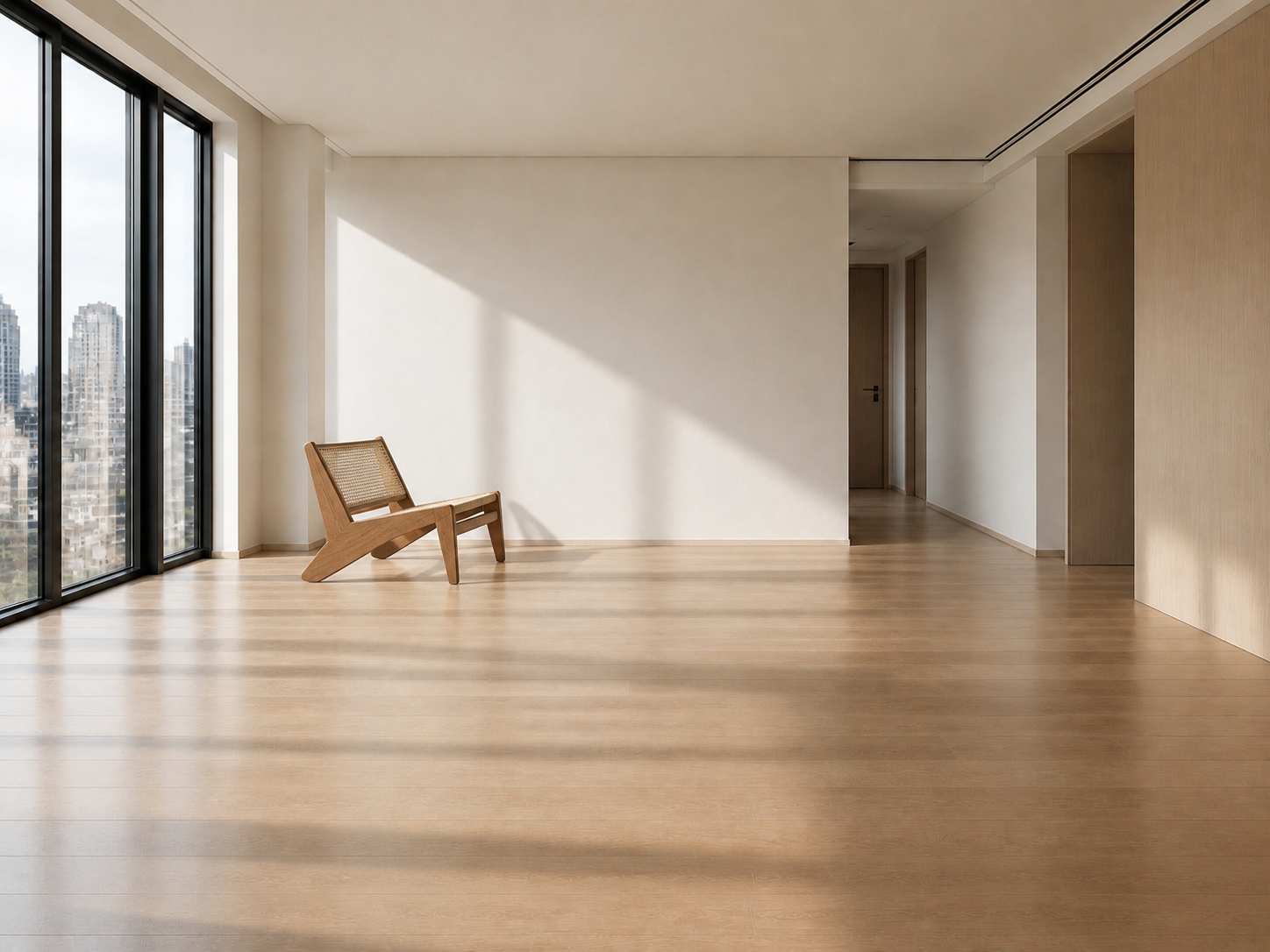
The AI furniture mockup uses one photo for the space and another for the item. This gives the request a clear target: carry the chosen furniture into your room while using its architecture, perspective and lighting as context.

Explore this tool
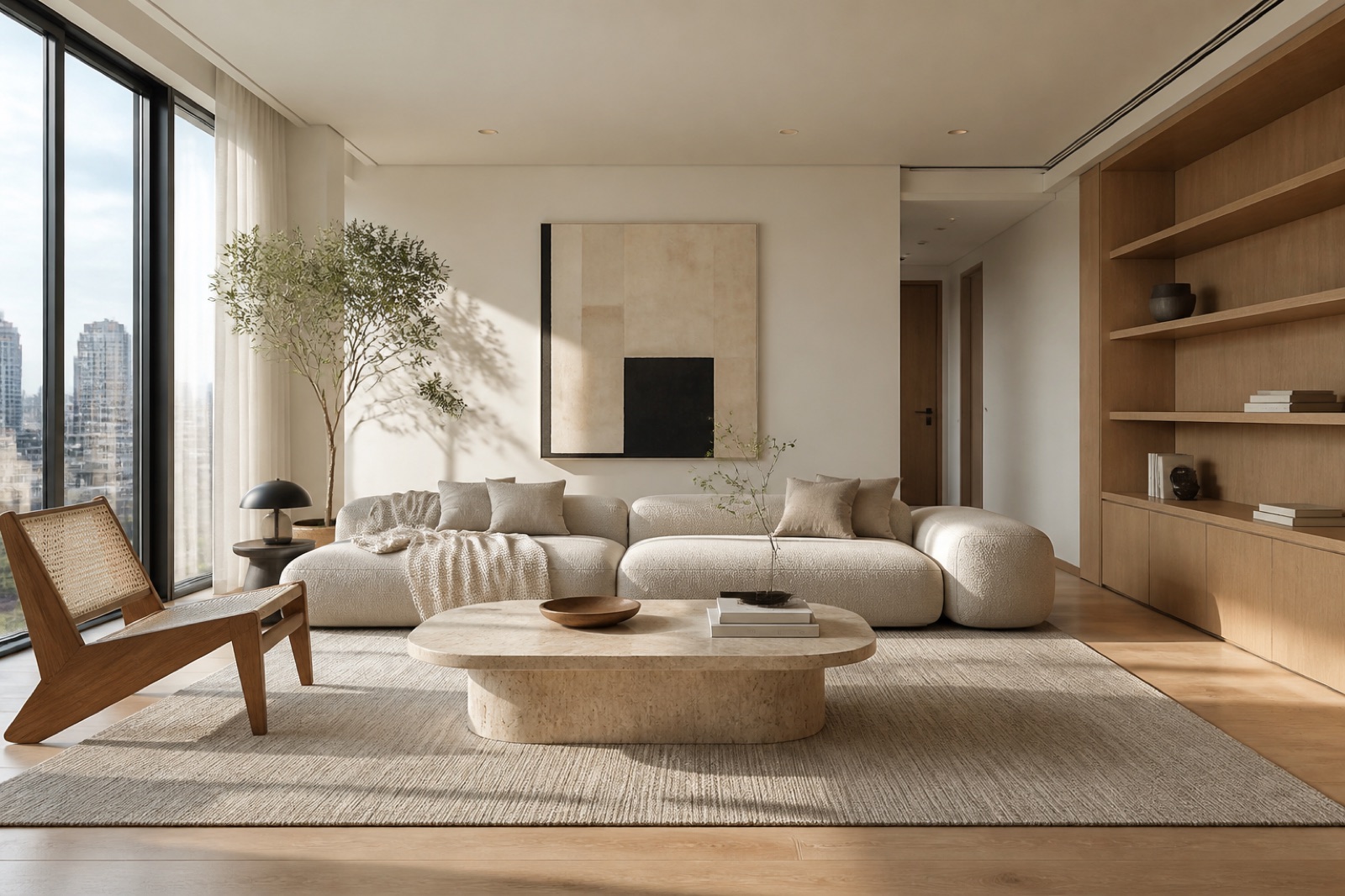
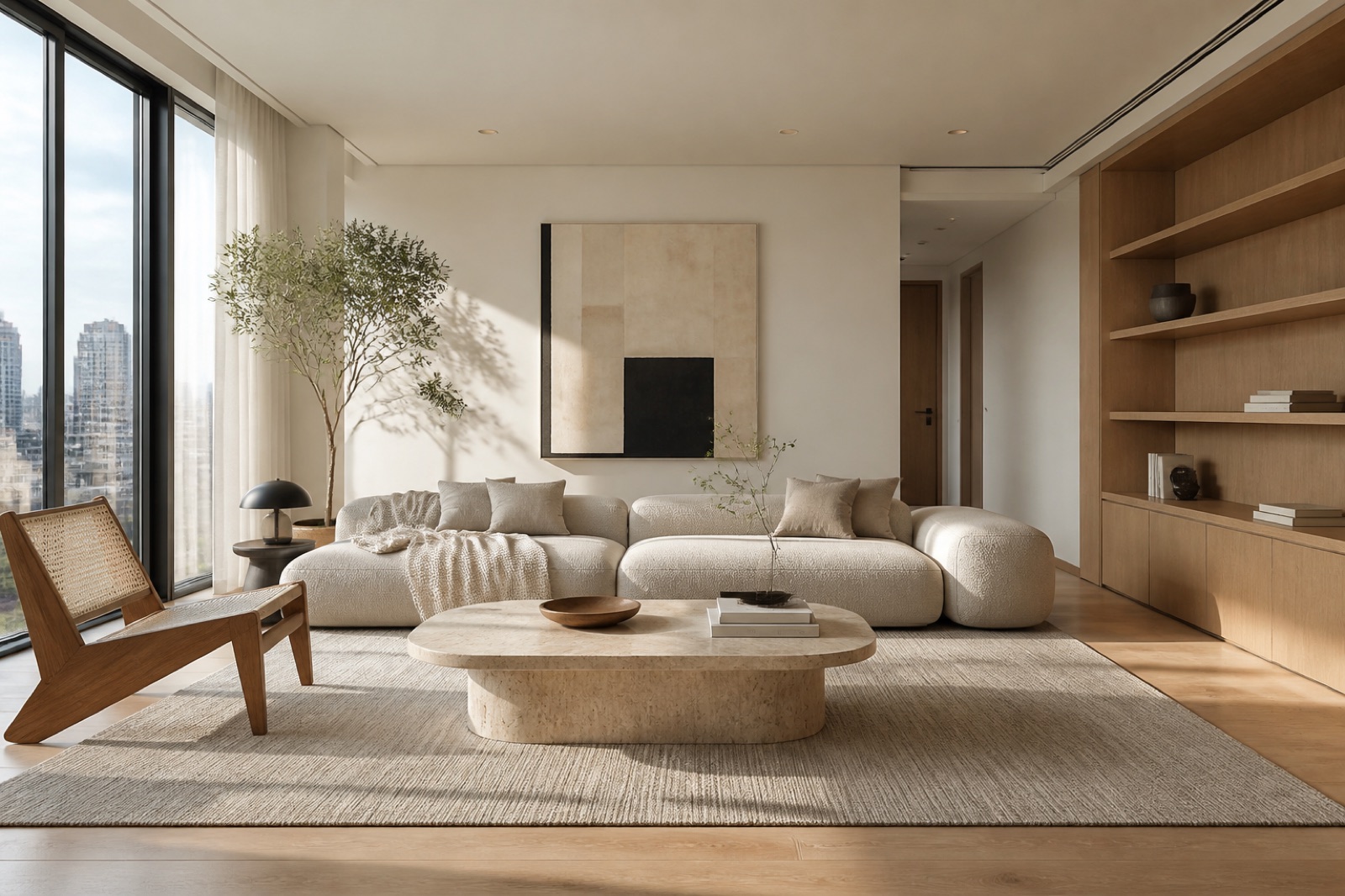
Actual generated placement of the reference cane chair inside an empty room

Explore a piece without rearranging the room

The recorded example places one cane lounge chair into an empty room using a separate furniture reference. Use the AI furniture mockup to discuss position and visual balance, then measure the actual piece and its route through your home.

Explore this tool

Why use AI furniture mockup

Start with your actual room

Create an AI furniture mockup with your own references so the discussion starts from a specific room and the piece you are actually considering.

Give placement a clear direction

Select a wall, central area or window location instead of relying on a vague instruction. Add a note about the clearance or grouping you want.

Actual generated placement of the reference cane chair inside an empty room

Compare a specific furniture idea

Identify one item from the furniture reference and describe what should remain recognizable. Review its shape, material and visible details in the generated result.

Keep a useful shopping reference

Download the concept to discuss a choice with another person. Pair it with product dimensions and a measured room sketch before deciding what to buy.

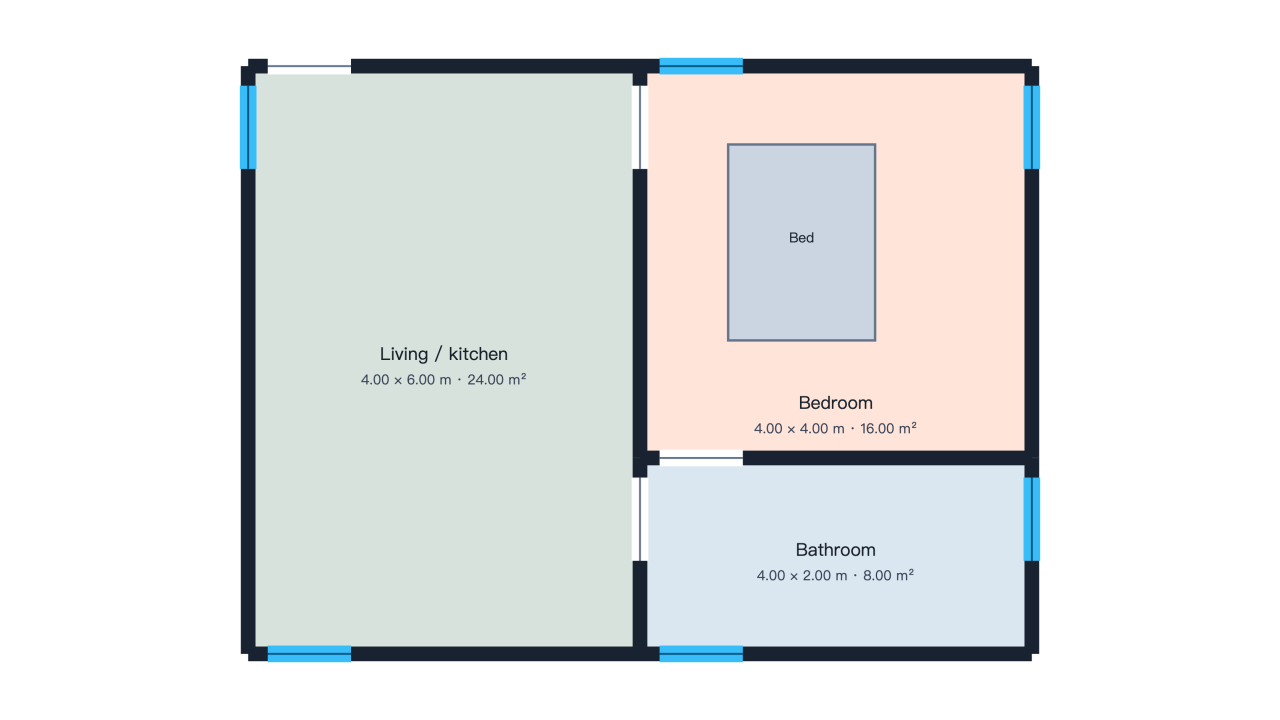
Use an AI furniture mockup to compare appearance; check actual footprints in the room planner or develop a new piece with furniture design AI.

AI Furniture Mockup: Questions Before You Start

Logo

Create an AI Furniture Mockup in Your Room

Open the AI furniture mockup, add both references and prepare one clear placement idea before generating your next room concept.

Preview my furniture